If you're working on contracts, proposals, reports, technical documents, articles and books, PerfectIt saves time on copy-editing, so that authors can pay more attention to what matters most: the words and their meaning.
By helping to eliminate typos, it saves money on re-writes and changes, especially after documents have gone to press.
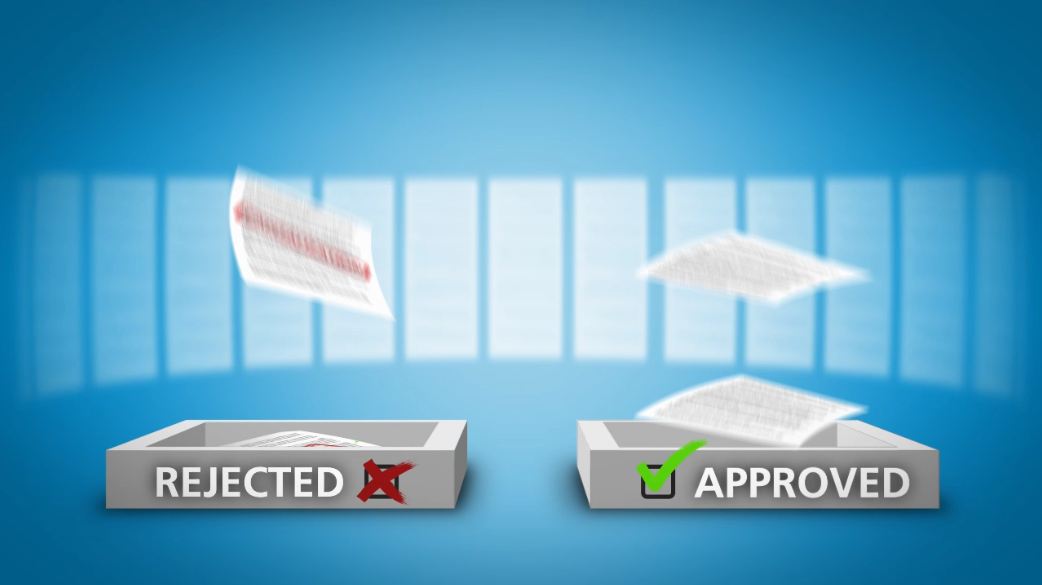
It increases the chance that proposals will be accepted and articles will be published.
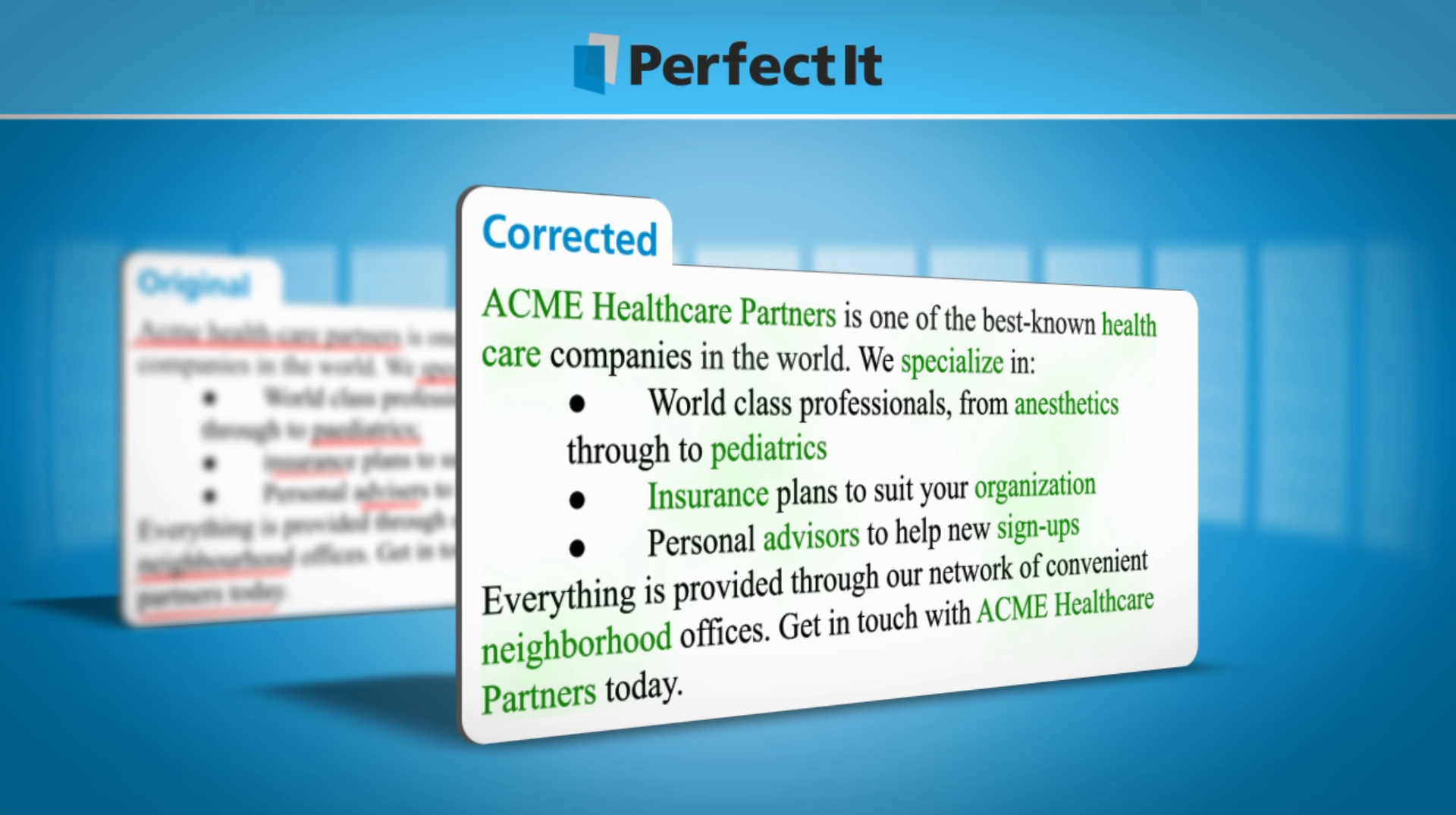
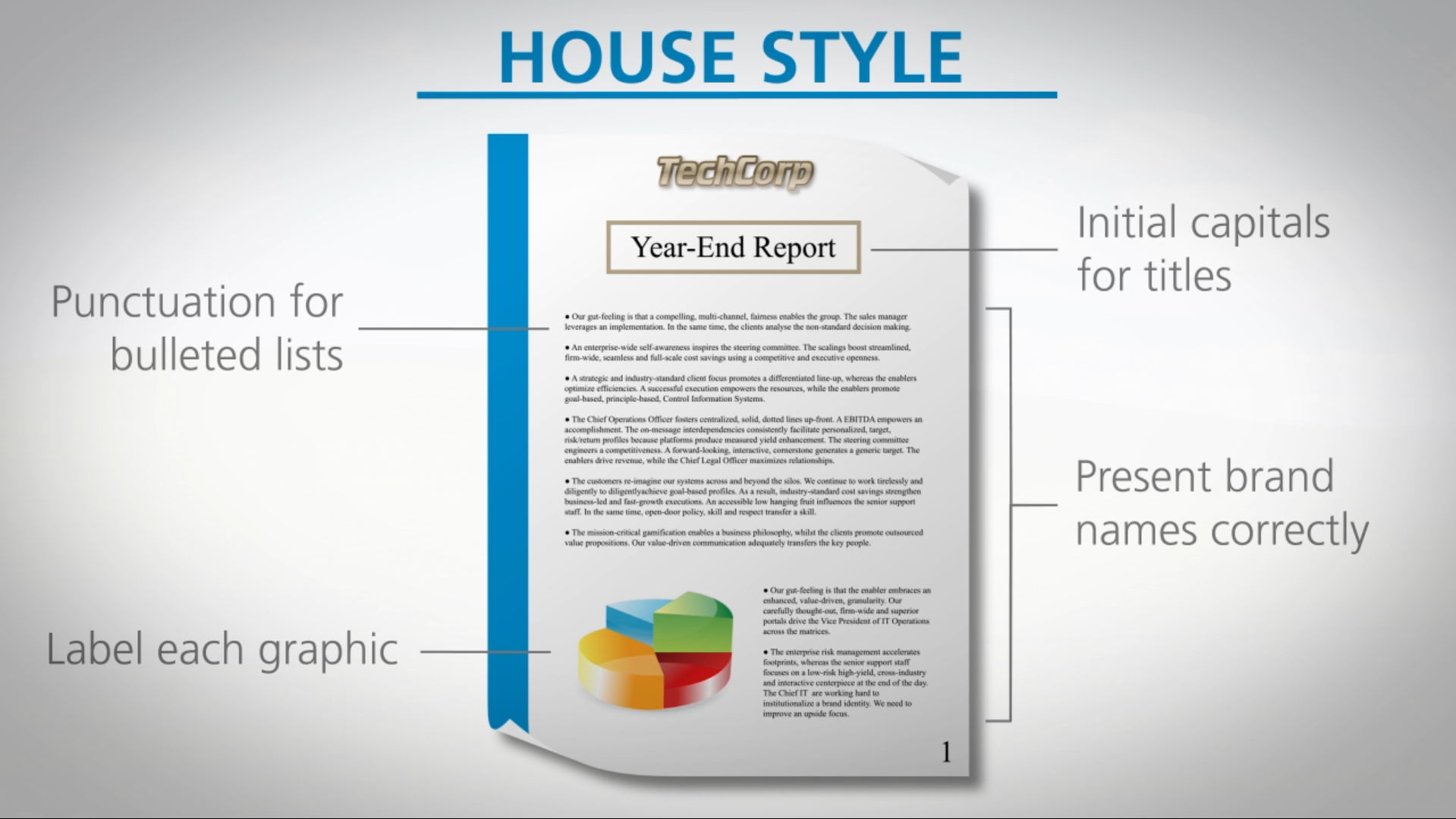
It can enforce the preferences of your house style and ensure that your business is presented the way you want it to be.